
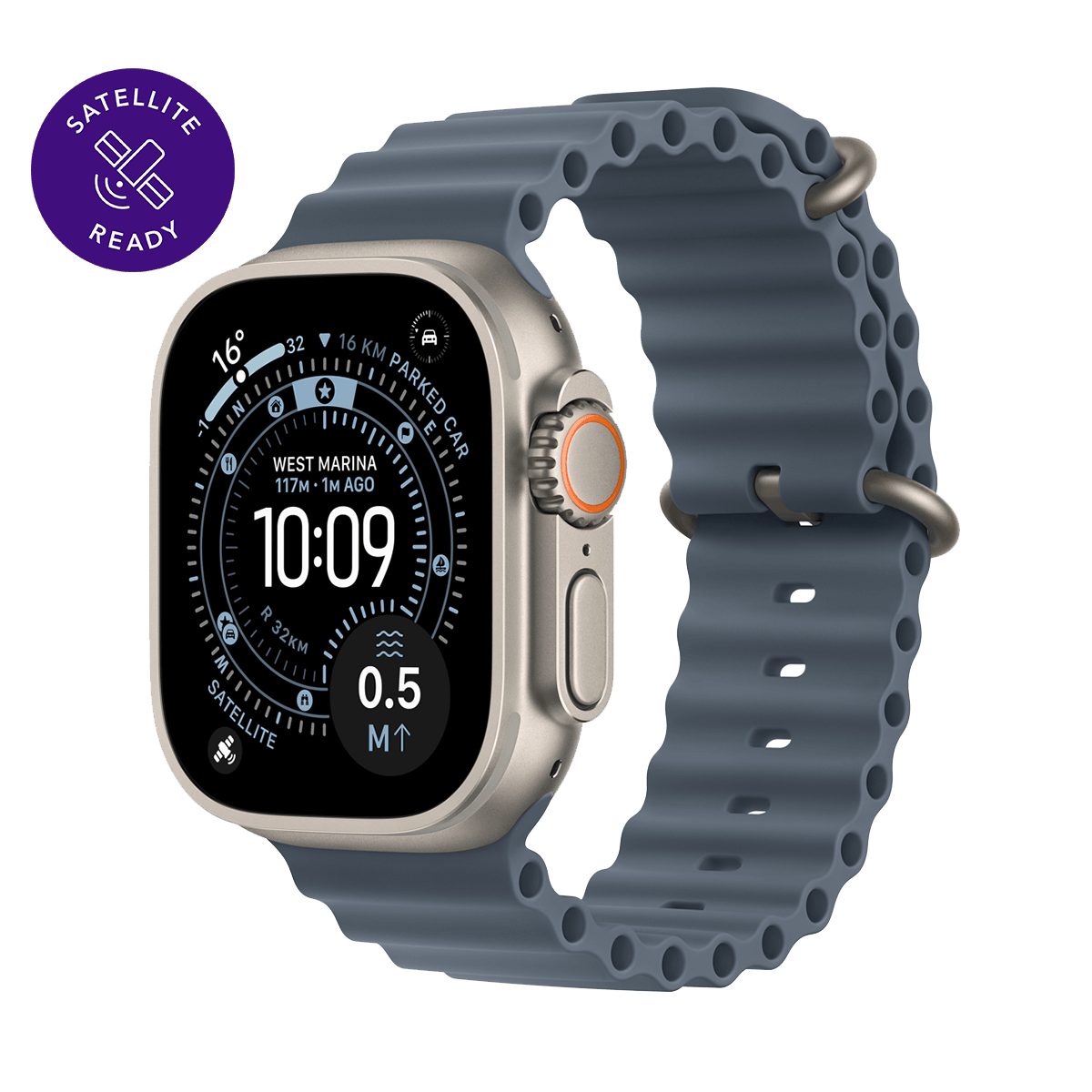
Apple Watch Ultra 3 Natural Titanium 49mm
4G
eSIM only
Satellite-ready
+6
Free delivery:
Click & Collect.
Colour: Anchor Blue Ocean Band
Storage
Are you an existing customer?
Enjoy personalised offers and products.
Choose your payment option
Minimum $99 deposit upfront. Reduces your monthly payments to the amount shown above. Subject to credit checks.
Apple Watch Ultra 3 now features built-in satellite communications¹, multiday battery life2 and the largest, brightest display in an Apple Watch.3 It also delivers advanced metrics, Custom Workouts, dual-frequency GPS, and invaluable health insights like hypertension notifications4 and sleep score. It’s not called Ultra for nothing.
What's in the box
- Watch + Band
- Magnetic Charger
Overview
Rugged and ready to go
The ultimate sports and adventure watch is built to last with an extremely tough titanium case and a strong sapphire crystal display. Water-resistant to 100 metres — great for swimming, diving and high-speed water sports.5
Bright, beautiful display
A large and advanced display that emits more light at wider angles — making it even brighter and easier to read.3 You can also use the display as a torch.
Multiday battery life
Up to 42 hours of normal use and up to 72 hours in Low Power Mode.2 Track a workout with full GPS and heart rate monitoring for up to 20 hours in Low Power Mode.2
Ultimate running and workout companion
Precision dual-frequency GPS, Pacer, Heart Rate Zones, Custom Workouts, running power, Workout Buddy powered by Apple Intelligence from your nearby iPhone6, and training load give runners, swimmers, cyclists and athletes everything they need.
Safety features
Ultra 3 can detect a hard fall or severe car crash, automatically help connect you with emergency services and notify your emergency contacts.7 Check In can automatically notify a loved one when you’ve arrived at your destination.
Customisable action button
One quick press gives you precise, physical control over a variety of customisable functions — like starting a workout or turning on the torch.
Invaluable health insights
Get notified of possible hypertension4, an irregular heart rhythm8, sleep apnoea9, or an unusually high or low heart rate. Track your sleep score and your daily health status with the Vitals app10 and take readings of your blood oxygen.11
Freedom calls
Take and make calls, stream music and podcasts, and listen on your AirPods or the built-in watch speaker — all without your iPhone.12
Trailblazing bands
Ultra 3 has four elegant, endlessly versatile band styles that meet all the demands of your daily activities, from workouts to nights out.
Legal
Apple Watch Ultra 3 requires iPhone 11 or later with iOS 26 or later.
1Emergency SOS and Find My via satellite are included for free for two years with the activation of Apple Watch Ultra 3. Connection and response times vary based on location, site conditions and other factors. Find My via satellite requires a carrier plan. Satellite connectivity is provided by Globalstar and its affiliates. See support.apple.com/123924 for more information.
2Battery life varies by use and configuration; see apple.com/nz/watch/battery for more information.
3When angled away from the user as compared with Apple Watch Ultra or Ultra 2.
4Hypertension notifications are not intended for use by people under 22 years old, those who have been previously diagnosed with hypertension, or pregnant persons. Always follow directions for use.
5Apple Watch Ultra 3 has a water resistance rating of 100 metres under ISO standard 22810:2010. It may be used for recreational scuba diving (with a compatible third-party app from the App Store) to 40 metres and high-speed water sports. Apple Watch Ultra 3 should not be used for diving below 40 metres. Water resistance is not a permanent condition and can diminish over time. For additional information, see support.apple.com/109522
6Requires an Apple Intelligence–enabled iPhone nearby and Bluetooth® headphones with device and Siri language set to English. Apple Intelligence is available in beta. Some features may not be available in all regions or languages. For feature and language availability and system requirements, see support.apple.com/121115
7Emergency SOS requires a mobile network connection or Wi-Fi calling with an internet connection from your Apple Watch or nearby iPhone. You can use cellular models of Apple Watch to make an emergency call in many locations, provided that a mobile network is available. Some mobile networks may not accept an emergency call from your Apple Watch if your Apple Watch isn’t activated, if isn’t compatible with or configured to operate on a particular mobile network, if it isn’t set up for mobile service or if the mobile network does not support emergency calling over IMS. See support.apple.com/108374 and apple.com/nz/watch/cellular for more information.
8Irregular rhythm notification requires the latest versions of watchOS and iOS. It is not intended for use by people under 22 years old or those who have been previously diagnosed with atrial fibrillation (AFib). Always follow directions for use. The device is not intended to replace traditional methods of diagnosis. Consult a doctor if atrial fibrillation is detected or if you have symptoms of a heart attack, stroke or other cardiovascular conditions.
9Sleep apnoea notifications are available on Apple Watch Series 9 and later, Ultra 2 and later, and SE 3. The feature is intended to detect signs of moderate to severe sleep apnoea for people aged 18 years or older without a diagnosis of sleep apnoea. Always follow directions for use. The feature is not intended for use in screening for, diagnosing, treating or managing sleep apnoea. Even without a notification, sleep apnoea may still be present. Consult a medical practitioner if you have symptoms of sleep apnoea, or any other breathing disturbance.
10The Vitals app is for wellness purposes only and not for medical use.
11The Blood Oxygen app is for wellness purposes only and not for medical use.
12Carrier plan required for cellular service. Contact your service provider for more details. Connection may vary based on network availability. International roaming is not supported. Learn more about Spark One Number
For information about other participating carriers, see apple.com/nz/watch/cellular. View support.apple.com/HT207578 for additional setup instructions.